
Why Palma Bygg chose Customer Connect
How Palma Bygg gained better control of incoming inquiries and deals with Customer Connect.
Customer Connect is a simple CRM that helps builders and tradespeople collect customer enquiries, follow up quotes and keep the entire sales process in one place.
From first building enquiry to a won job.
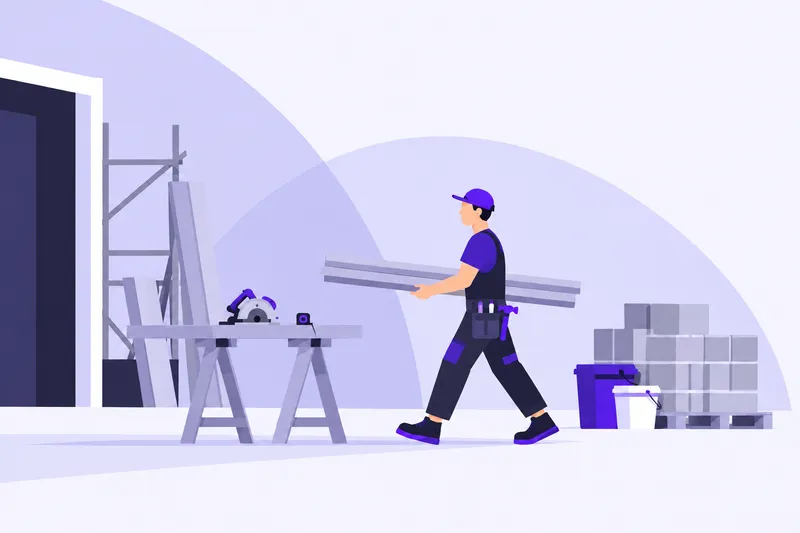






A homeowner emails about a renovation while you are out on another job. Turn the email into an opportunity and gather the details for the quote and site visit.
In Customer Connect, the customer’s message, your notes and follow-up are kept together in the deal. You can see who owns the next contact after the site visit or quote.
Let AI turn incoming emails or pasted text into opportunities. Check the details and fill in what is missing, giving you a starting point for the next customer conversation.
How Palma Bygg gained better control of incoming inquiries and deals with Customer Connect.
We were looking for a simpler CRM, and now we save a lot of time on administration that we can spend closing more deals instead.
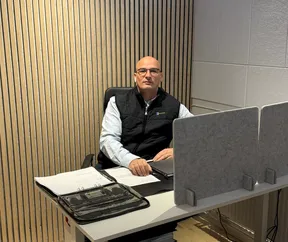
Zeljko Raketic
CEO of Palma Bygg · Translated from Swedish
I have worked with many systems over the years, but Customer Connect is brilliant. User-friendly, business-focused and spot-on!

Mats Winblad
Founder and CEO of MaWin AB · Translated from Swedish
Bring customers, enquiries and deals together.
€24.90
per month*
More sales boards and custom fields.
€49.90
per month*
Custom integrations and more control.
€69.90
per month*
* The price is per user with monthly billing, excluding VAT.
From customer enquiries to contracts and accounting. Bring your tools together with Customer Connect.
View all integrationsYes. The deal has room for notes, the customer’s message and next steps. Record what you have agreed and set a follow-up before the next contact.
The button takes you to the pricing page, where you can see current options and terms before continuing. After registration, we will get in touch to ask whether you need help getting started.
Gather the customer’s information, assign an owner and plan the next contact. Click Try for free to choose a plan on the pricing page. After registration, we will ask whether you need help getting started.