CRM features that help you manage customer relationships
Explore how customer records, contacts, opportunities, AI email interpretation and follow-ups work together in Customer Connect CRM.

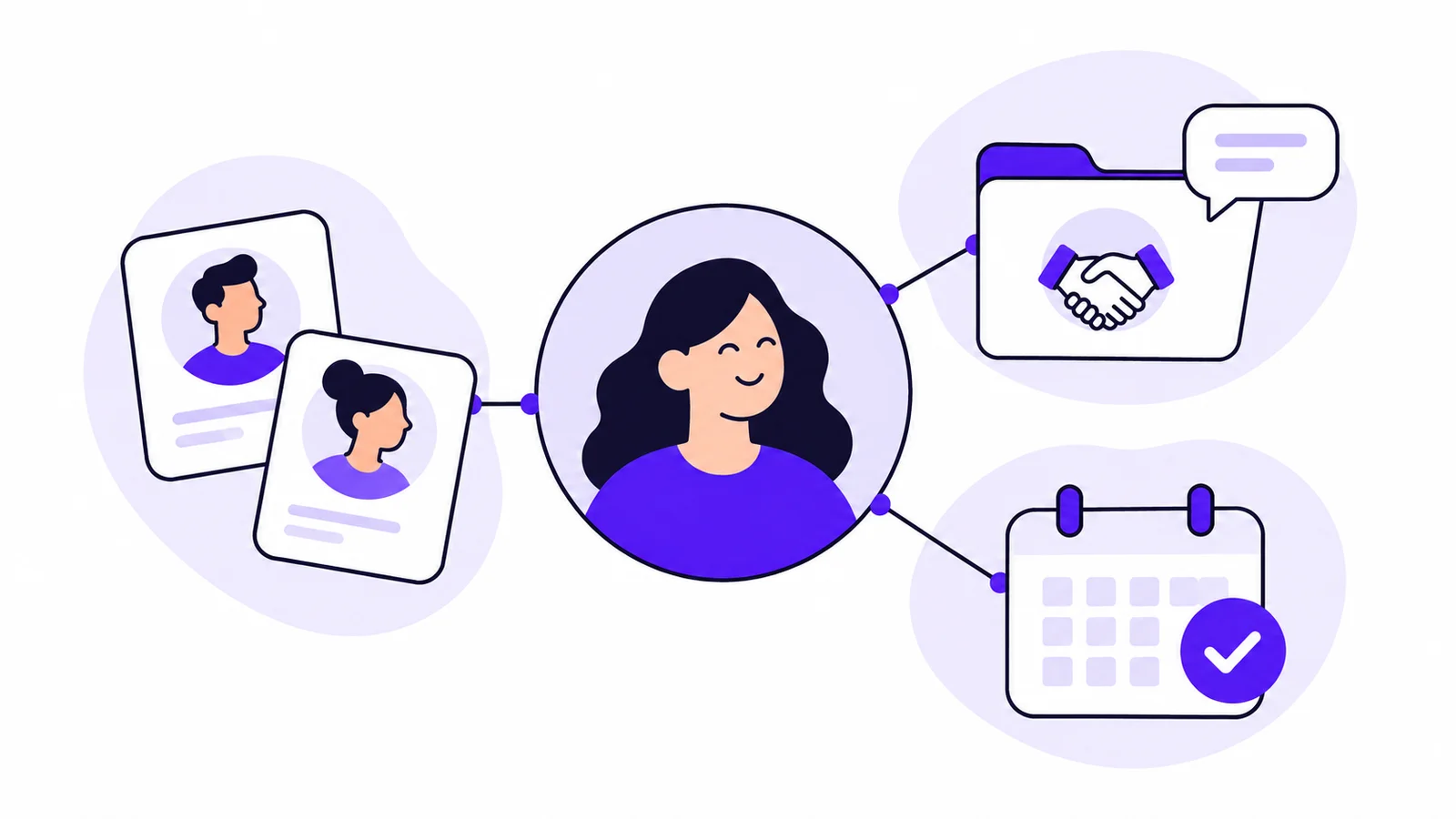
A phone number helps you reach a customer. Before the call, you also need to know what they asked about, which proposal you are discussing and what you promised to get back to them with. That is where several CRM features need to work together.
This article shows how customer records, contacts, opportunities and follow-ups are used in Customer Connect. We follow a fictional conference enquiry to make the difference between the features concrete.
Customer records and contacts: who is the customer, and who should you speak to?
Sara at a consultancy gets in touch about a conference for 30 people. She is planning the day, but her colleague Johan will approve the arrangements. The company has been a customer before.
In Customer Connect, you can keep the company’s details in the customer database and link Sara and Johan to it as contacts. Contact cards have room for names, job titles, phone numbers, email addresses and notes. Describe their roles so you know who is planning the conference and who makes the decision.
The customer record describes the relationship with the company. Contacts help you reach the people within that relationship. When Johan calls, you need to find him without confusing his role with Sara’s.
You can work with both businesses and private individuals. Read more about customer records and contacts in Customer Connect.
Opportunities: keep a customer’s different projects separate
The consultancy has booked a conference with you before. Sara’s new enquiry concerns another date and a new arrangement. The customer relationship is the same, but this is a new opportunity.
An opportunity in Customer Connect has room for the customer’s message, notes and expected value. Keep the information about this particular enquiry there. If the company also asks about a separate dinner, that conversation can have its own opportunity.
This distinction makes it easier to answer the right question. Before speaking to Sara, you want the conference details and the questions still to resolve, even if the same customer has other open opportunities.
| Part of Customer Connect | Content in the example |
|---|---|
| Customer | The consultancy and its contact details |
| Contacts | Sara, who plans, and Johan, who approves |
| Opportunity | The enquiry about a conference for 30 people |
| Follow-up | The planned continuation of this specific conversation |
Read more about opportunities in Customer Connect.
AI interpretation: use the information in the enquiry
Much of what you need is already in Sara’s email:
Hello! We are planning a conference for around 30 people on 18 March. We need a larger room and two breakout rooms. Could you send a proposal including lunch? Johan here approves the booking, but please send the details to me first.
In Customer Connect, AI can interpret incoming email and create an opportunity. You can also paste text, such as a copied email, and use the same interpretation. The enquiry becomes information you can review and work with.
In this example, check what Sara has specified and what is missing. The number of participants is approximate, and she has not said what times the rooms are needed. Clarify those questions before sending a complete proposal.
AI interpretation helps you make use of the text. You continue the conversation using that information and add details when Sara replies. The article on AI in CRM takes a closer look at the interpretation process.
Ownership and follow-up: who gets back in touch, and about what?
You have sent the conference proposal. Sara replies that Johan will review it on Wednesday and asks you to call on Thursday. You now have a specific agreement to plan around.
In Customer Connect, you can assign an owner to the opportunity and set a follow-up. The customer’s message and your notes are kept with the opportunity details, helping you prepare for the conversation.
A useful note in our example is:
Sara will discuss the proposal with Johan on Wednesday. I will call Sara on Thursday to hear their decision on the arrangements and ask whether anything needs changing.
If you work alone, the follow-up gives the call a place in your planning. In a team, the owner shows who is taking the opportunity forward. A colleague taking over can read what the conversation should cover.
See how to plan follow-ups in Customer Connect.
Sales process: see the bigger picture across opportunities
The conference may be one of several opportunities you are working on. Another customer is waiting for an initial proposal, and a third has already made a decision.
The sales process in Customer Connect shows where your opportunities stand. You get a shared overview and can open an individual opportunity to read the details.
For Sara’s conference, the status needs to reflect that the proposal has been sent and you are waiting for the customer’s decision. Update the opportunity when she provides new information. You and your colleagues can then understand its position without reading every email first.
The overview shows where opportunities stand; the details explain what the next conversation is about. Read more about the sales process in Customer Connect.
Prospects: give early conversations a place too
A specific enquiry like Sara’s can become an opportunity straight away. Other relationships start earlier. You may have spoken to a potential customer who wants to know more but has no definite project yet.
In Customer Connect, you can keep these potential customers as prospects. The prospect overview shows contact details, owner and status. Distinguish new contacts from those you have tried to reach and those who have replied.
This gives you a separate overview of early conversations while concrete projects are handled as opportunities. Read more about prospect management in Customer Connect.
Try the features with a customer conversation you know
Together, the features help you find the customer, understand the current opportunity and know who should get back in touch. Start with an enquiry you are already handling to see how the parts fit your work.
Gather the customer details and the right contacts. Review the opportunity information, assign an owner and set a follow-up. When you return to the opportunity, assess whether you can find what you need before the next call.
Try Customer Connect for free. The pricing page shows current options and trial terms before you proceed to registration. After registration, we contact you to ask whether you need help getting started.
If you would like to explore the features with us first, you can also book a demo.