CRM for window companies that brings enquiries and quote conversations together
Customer Connect helps window and door companies keep customer details, enquiries and the next contact together throughout the quote conversation.
From the first window enquiry to a won deal.
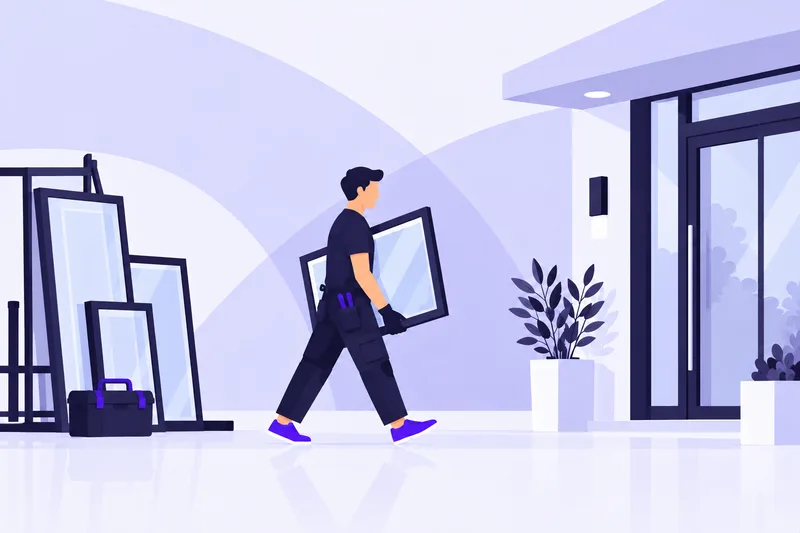






One shared place for window enquiries
Customer Connect interprets emails about replacement windows and doors and creates sales opportunities. The customer’s message remains available as context for the conversation. You can also paste the enquiry text and let AI interpret it, reducing manual data entry.
Find the customer’s requirements when the conversation continues
In Customer Connect, you can keep customer details and notes from your conversations in the deal. When a customer has questions after a visit or wants to discuss a revised proposal, the earlier information is close at hand. Colleagues do not have to start by searching separate inboxes.
Follow the quote conversation through to a decision
Customer Connect gives you a visual overview of ongoing sales opportunities. Alongside the owner and follow-up, the deal’s status shows which conversations need to move forward. You can track several window and door enquiries in the same sales process.
CRM integrations for your tools
From customer enquiries to contracts and accounting. Bring your tools together with Customer Connect.
View all integrations




















Frequently asked questions
Can we bring both window and door enquiries together?
Yes. Enquiries can be managed as sales opportunities in Customer Connect, with the customer’s message and your notes. You can keep the conversation about one combined deal together or work with separate deals for different enquiries.
How do we see who should get back to the customer after a quote?
In Customer Connect, each deal can have an owner and a planned follow-up. This makes the next customer contact visible alongside the deal’s status and information.
How do we get started?
Try for free takes you to the pricing page with current options and terms. After you sign up, we contact you to ask whether you need help getting started. You can also book a demo to see Customer Connect before trying it.
Bring your next window enquiry into Customer Connect
Keep customer information, deal status and the next contact in one place. Try Customer Connect and see how it fits your customer work.