What is CRM? Customers, contacts and deals
What is CRM and when do you need it? Learn the difference between customers, contacts and deals, and how to organize the next customer contact.

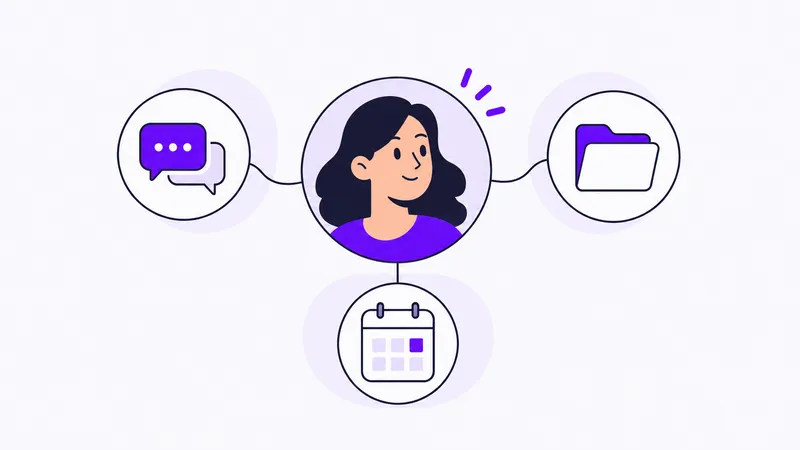
CRM stands for Customer Relationship Management. It is about how you stay in touch with potential and existing customers. A CRM system is the tool where you collect the information and organize the work.
In everyday use, it should help you answer a few simple questions: Who is the customer? What have we discussed? Is there a deal in progress? Who makes the next contact?
What does a CRM system do?
Imagine an existing customer gets in touch about a new job. A colleague took the first call, and you will continue the conversation. You need to find the customer’s details, understand the need and see what your colleague promised.
A CRM gives the information a shared home. The customer relationship can continue even when different people handle it. You also need a shared way of working: decide what to record, who is responsible and when to update the information.
Different tools offer different features. Start with the work you need to organize when comparing them.
Five terms to help you find your way
Customer
The customer is the company or individual you do business with. Customer details provide the context for the relationship, such as a name and ways to get in touch.
Contact
A contact is a person you speak with. At a business customer, you may speak to both the buyer and the person who will use the service. Distinguishing the customer from its contact people makes it easier to reach the right person.
Prospect
A prospect is a potential customer. You may have had an initial conversation but need to understand their needs better before discussing a deal.
Opportunity
An opportunity concerns a specific need or job. A customer may have several opportunities over time. Keep them separate so it is clear which proposal or decision a note concerns.
Follow-up
A follow-up is the planned continuation of the conversation. It needs a purpose, an owner and a time. For example: Anna will call the buyer on Thursday to discuss the scope.
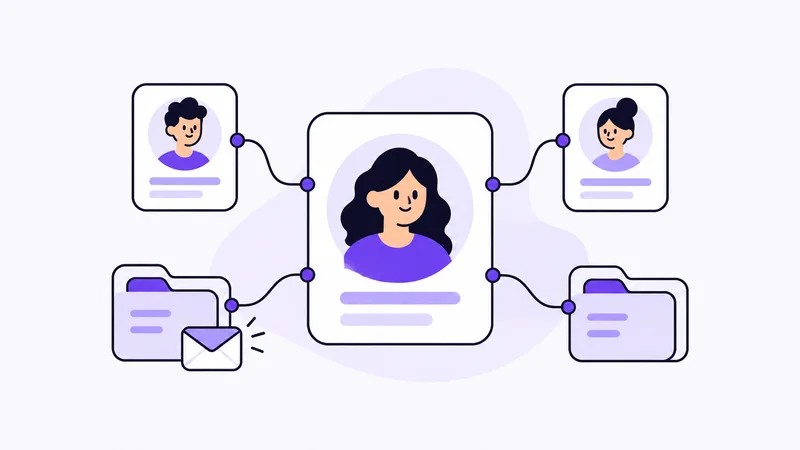
How the parts fit together
Here is a fictional example from a business that sells conference services:
- Customer: the company that wants to organize a conference.
- Contact: the person planning the day.
- Opportunity: an enquiry about a conference for 30 people in November.
- Follow-up: get back in touch once the buyer has reviewed two possible dates.
When the same company asks about a new event next year, the customer relationship is the same, but it is a new opportunity.
Read more about working from lead to deal to see the steps in a customer conversation.
Which CRM features help with which tasks?
When comparing CRM systems, start with the task rather than a long feature list. Here are common needs and the parts of customer work they relate to.
| You want to… | Information to keep organised |
|---|---|
| Identify the customer | Customer details and the company’s or person’s context |
| Reach the right person | Contacts and ways to reach them |
| See what you are trying to sell | Opportunities with needs and current status |
| Know who will get back to the customer | Ownership and a planned follow-up |
| Understand which deals are ongoing | Shared stages in the sales process |
In Customer Connect, read about the customer register, contact management and sales pipeline. When trying a CRM, check that you can complete the tasks with your own example.
When is it time to get a CRM?
The need often becomes clear when information is difficult to find or work is hard to hand over. Perhaps you store customer details in several lists, lack an overview of active deals or have to ask each other who was supposed to get back in touch.
You may need that structure even if you work alone. What matters is how many customer conversations you need to manage and how you want to work with them.
Start by describing a situation that does not work today. Then use that situation when you try and choose a CRM system.
What does web-based CRM mean?
You use a web-based CRM through your browser. When choosing one, try it on the devices you work with and check how access, data handling and any export options work.
Being online does not tell you which features are included. Check that it supports your most important tasks in practice.
Keep track of customers, deals and next steps
Customer Connect is a CRM for organizing customers, opportunities and follow-ups. Read about customers and contacts to see how the parts fit together in the product.
Want to try it? Start with a customer conversation you already have and explore how you want to collect the information and plan the next contact.
Try for free