
Why Palma Bygg chose Customer Connect
How Palma Bygg gained better control of incoming inquiries and deals with Customer Connect.
Customer Connect is a simple CRM that helps you collect customer enquiries, follow up on deals and keep your entire sales process in one place.
From first enquiry to closed deal.






Bring customers, contacts and opportunities together in Customer Connect. Turn incoming emails or pasted text into opportunities, then add the details you need before the next conversation.
A lead is a potential customer or deal you want to pursue. With the details, ownership and next steps in one place, you can see what needs doing without searching several inboxes. A straightforward CRM should make it easy to turn a customer’s question into a plan for responding.
Choose who owns the deal and when to get back in touch. Review follow-ups as you plan your day and see which customers are waiting for a reply.
Collect incoming customer enquiries, manage sales opportunities and plan your next steps in Customer Connect. Work independently or with colleagues and share a clear view of customers, deals and follow-ups.
See how customer work can look for builders and tradespeople, cleaning companies, photographers and hotels and conference venues.
Start with a customer or deal you already know. Add the details, assign an owner and plan the next conversation. After registration, we will get in touch to ask whether you need help getting started.
How Palma Bygg gained better control of incoming inquiries and deals with Customer Connect.
We use Customer Connect to keep track of sales opportunities in a smooth, structured way. It is easy to use and getting started took very little time — exactly what we needed!

Agnes Lagevald
Project Manager at Novoterm · Translated from Swedish
We were looking for a simpler CRM, and now we save a lot of time on administration that we can spend closing more deals instead.
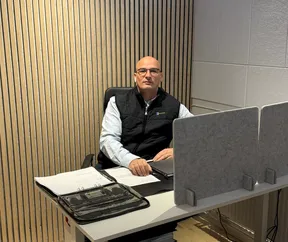
Zeljko Raketic
CEO of Palma Bygg · Translated from Swedish
We were looking for a simpler CRM and now save lots of time and money

Daniel Friberg
Marketing Manager, Briab · Translated from Swedish
From customer enquiries to contracts and accounting. Bring your tools together with Customer Connect.
View all integrationsBusinesses that want to bring customer information together, get an overview of their deals and organise follow-ups. You can work independently or with a team, whether you are trying CRM for the first time or looking for a simpler way to work.
After registration, we will contact you to ask whether you need help getting started. You can also book a demo before trying it.
Start with a customer or an ongoing deal and try the workflow. This gives you a real example to evaluate before planning to move more information over.
It interprets incoming email and creates opportunities. The same AI can interpret text you paste in, such as a copied email. You check the details and decide how to move the deal forward.
The Try for free button takes you to the pricing page, where you can see plans and current trial terms before registering. If you would like to see Customer Connect first, you can book a demo.
Try a task from your own working day: add a customer, create a deal and plan the next conversation. Consider whether you understand where the information is and how to continue the next day. The guide to choosing a CRM has more tasks to try before you decide.
Gather the details, assign an owner and decide when to get back in touch. Choose a plan on the pricing page and try it with a customer or deal you already work with. After registration, we will get in touch to ask whether you need help getting started.
Guides to customer management, CRM and building a routine for follow-ups.
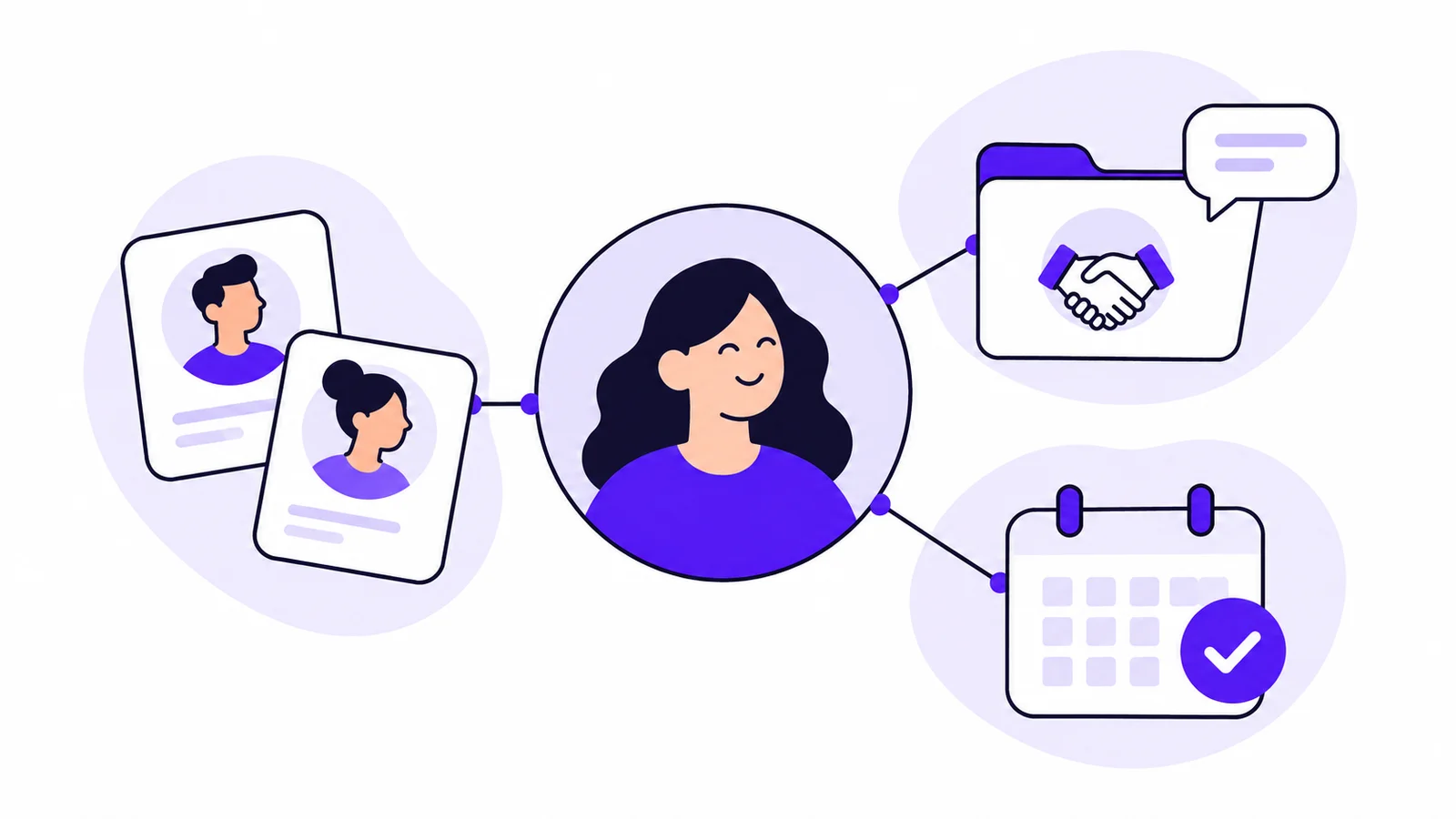
Follow a customer enquiry to see how customer records, contacts, AI interpretation, opportunities and follow-ups fit together in Customer Connect.

Get a shared view of ongoing deals and give every opportunity an owner and a planned follow-up.
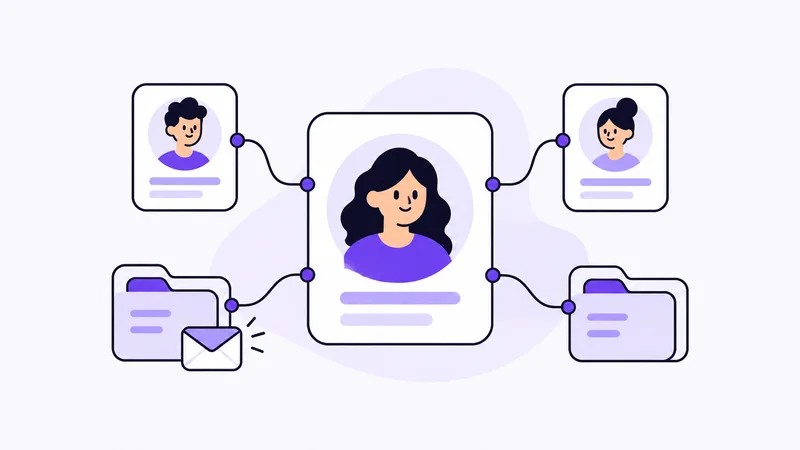
Find the right person, understand earlier conversations and keep separate deals apart. A practical guide to useful customer records.